 Nook
Nook
Nook is here!
The first beta build is live on TestFlight. You’re invited to test it, break it, and shape what Nook becomes before anyone else!
 Accept the testing invitation
You’ll need an iPhone running iOS 26 or later, and a free Apple ID.
Before you dive in
What’s “TestFlight” and how do I use it?
TestFlight is Apple's official beta-testing app, think of it as a side door to the App Store for pre-release apps. It’s made by Apple, fully safe, and free.
- Install TestFlight from the App Store (if you don’t have it yet).
- Tap “Accept the testing invitation” above, it opens TestFlight and adds Nook to your app list.
- Tap Install next to Nook. That’s it, the beta sits on your home screen like any other app.
What about subscription? Am I paying?
No. The beta is completely free. The subscription popup is sandboxed - it simulates the real purchase flow but nothing is charged. Don't worry about it.
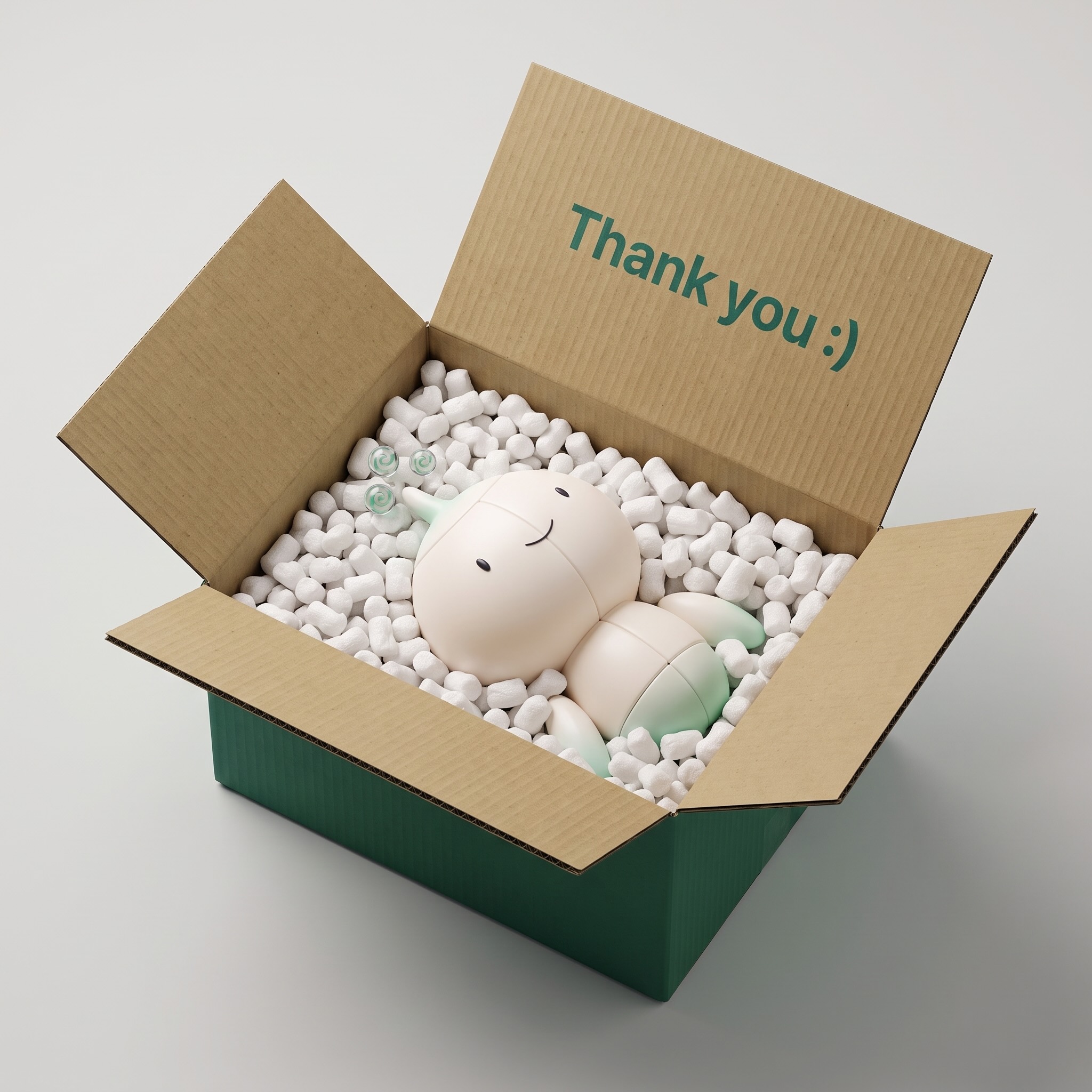
Nook will be a premium subscription app when it launches, and beta testers will be the exception: as a thank-you for your feedback, you’ll get 1 year free at launch.
How do I give feedback?
Feedback is the entire point of this beta, the more you share, the better Nook gets. Any of these works:
- If you know me: Drop me a message wherever you can!
- By email: write to [email protected], replies come from me, usually fast.
- TestFlight itself: tap “Send Beta Feedback” on the Nook card inside TestFlight.
Loves it? Hates it? Confused by something? All three are equally useful. Small beta means every message genuinely changes the product.